


Customized Store сategories
Having an eBay store allows you to divide your items into categories or departments and customize them as you wish. You don't need to use the standard categories on the eBay site — you can create up to 300 unique Store categories to help organize your listings and display your items to buyers. You can also put items into two Store categories at a time at no extra charge.
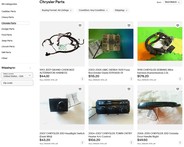
Take a look at how other eBay sellers have organized their Store categories
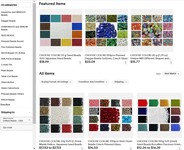
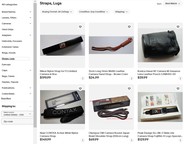
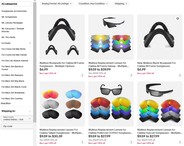
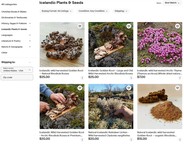

Benefits of using Store categories

Feature categories on Storefront

Organize your product assortment

Share direct links to a specific category

Send promotions / coupons on listings in a category
For a more user-friendly Store, make your categories and subcategories clickable by providing links to the appropriate custom pages.
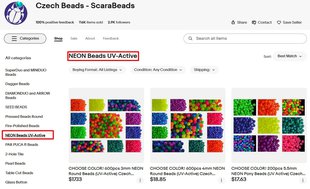
How to create a category in your eBay Store
You can create and manage categories in eBay Store in just a few steps.
✅ To create a category in your eBay Store
✅ To delete or rename a category in your eBay Store
How to add listings to a category
Now you can add or move listings in your custom categories.
✅ To add listings to a category one by one
✅ To edit categories for multiple listings
✅ To move a listing to a different category

How to feature your categories
Show custom Store categories on your storefront and buyers can use these categories to navigate through your Store.
✅ To show custom Store categories on my Storefront
Once you've created your categories, you can choose to feature up to 6 categories on your storefront to help buyers shop by category.
✅ To feature your categories
How to create promotions using categories
Now you can create promotions for specific categories in your Store.